Local lead targeting, made easy.
Choose an Area. SmartMail Ranks the Homes to Reach.
Tell us the work you want to promote, choose a city, ZIP code, or community, and set your budget. SmartMail reviews available property facts and gives you a ranked list of the strongest matches.
Review the list, make any changes, and approve. Only the homes you approve receive your mail.
Serving Palm Beach & Broward counties
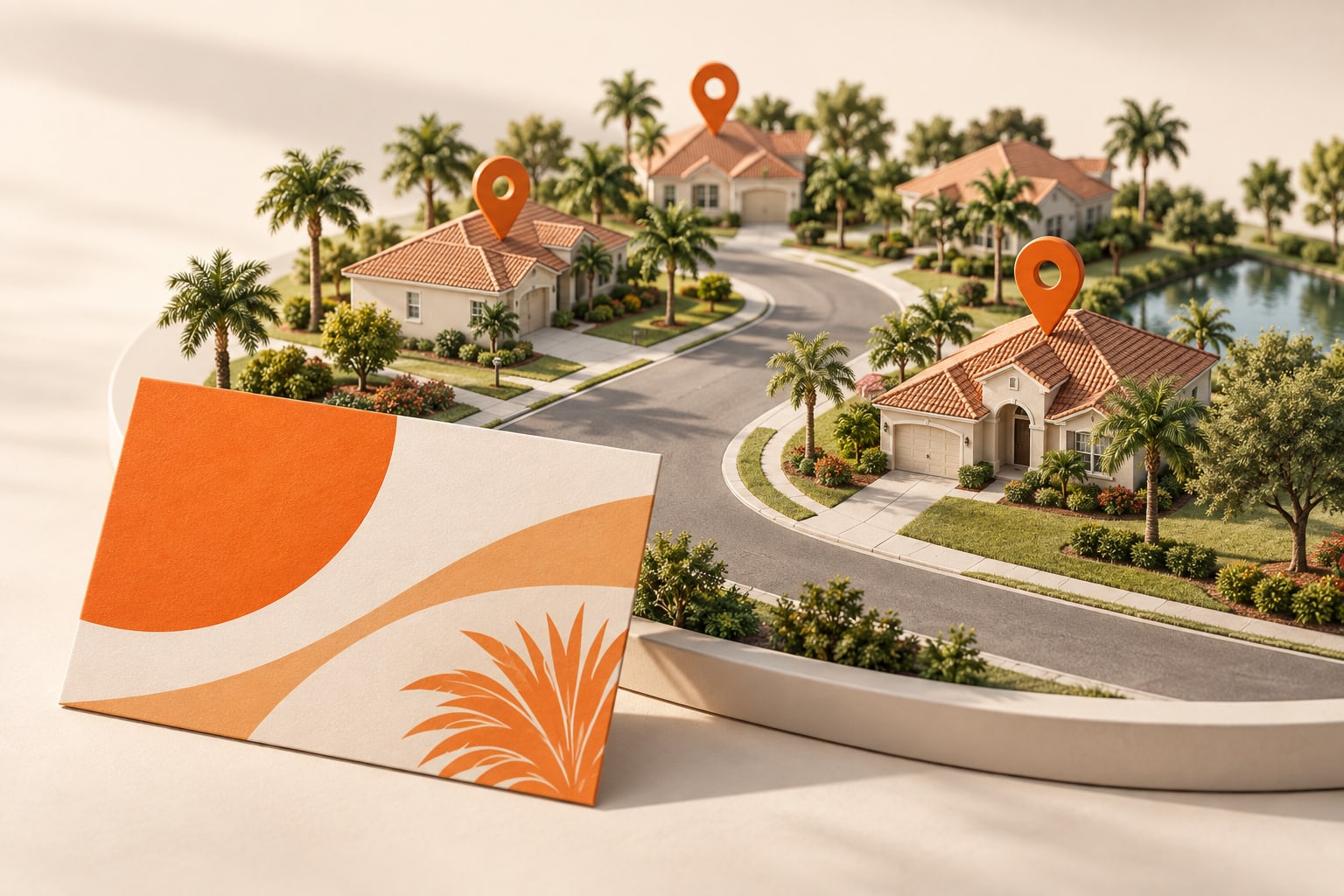
SmartMail Does the Searching and Ranking.
Instead of checking every property yourself, start with SmartMail’s recommended list for your campaign. You can remove a home, add another from the results, and review every recipient before sending.
Choose the area. Review the ranked homes. Approve and send.
Rankings use available property records and your campaign criteria. A property score does not predict purchasing intent or guarantee a response.
A simple, guided process
How it works
Describe the work you want.
Tell SmartMail which service you are promoting.
Choose your area and budget.
Enter a city, ZIP code, or community and choose how far nearby SmartMail should search.
Review your recommended homes.
SmartMail ranks usable homes from strongest to weakest match. Use the recommended list or choose different homes.
Approve your campaign.
Review the postcard, exact recipients, and total price before anything is mailed.
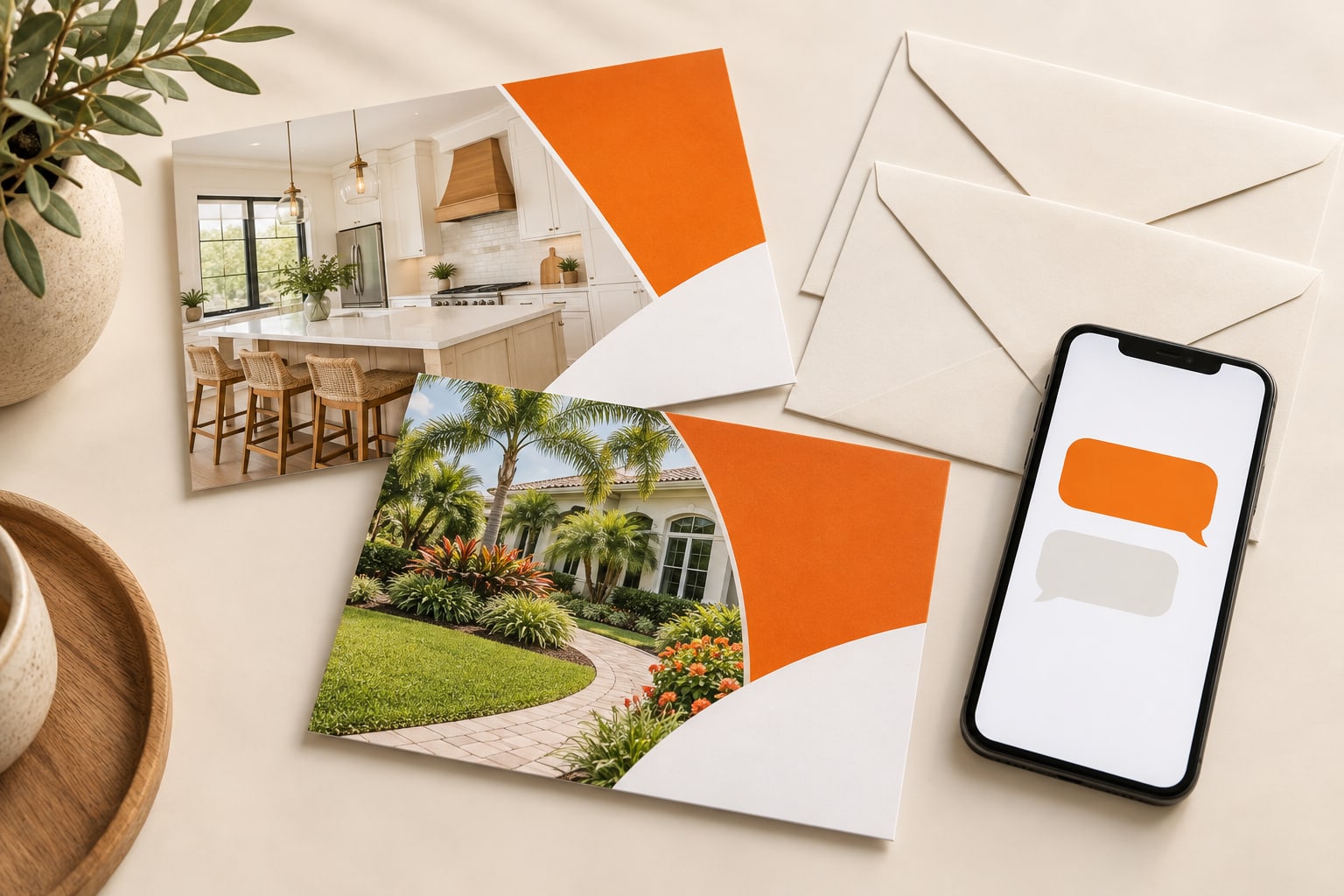
More than a postcard
Give every home an easy way to respond.
Add an optional unique QR code to record each QR open and prepare a ready-to-send text message. The homeowner decides when to send it, and the reply goes directly to your chosen phone.
- Your design, front and back
- 4 × 6, 6 × 9, or 6 × 11 postcards
- Nothing mails until you approve
A few helpful answers
Do I have to choose every home myself?
No. SmartMail prepares a ranked list based on your campaign and available property records. You can use the recommended list or change any home before approval.
Do I have to mail the entire neighborhood?
No. You can select individual homes within your chosen neighborhoods. Only the addresses included in your approved campaign will receive your mail.
Can I choose the homes myself?
Yes. You can manually select individual properties and review your recipient list before sending.
Can I use the same design again?
Yes. Once you upload, adjust, and approve a design, it is saved to your account so you can reuse it in future campaigns without uploading or formatting it again. A different size or changed print requirements need a new proof approval.
Does a high score guarantee a customer?
No. The score compares available property and location facts for campaign planning. It does not predict purchasing intent or guarantee a response.
Start with an area. We’ll rank the homes.
Review the recommendations, approve your list, and send.